Features
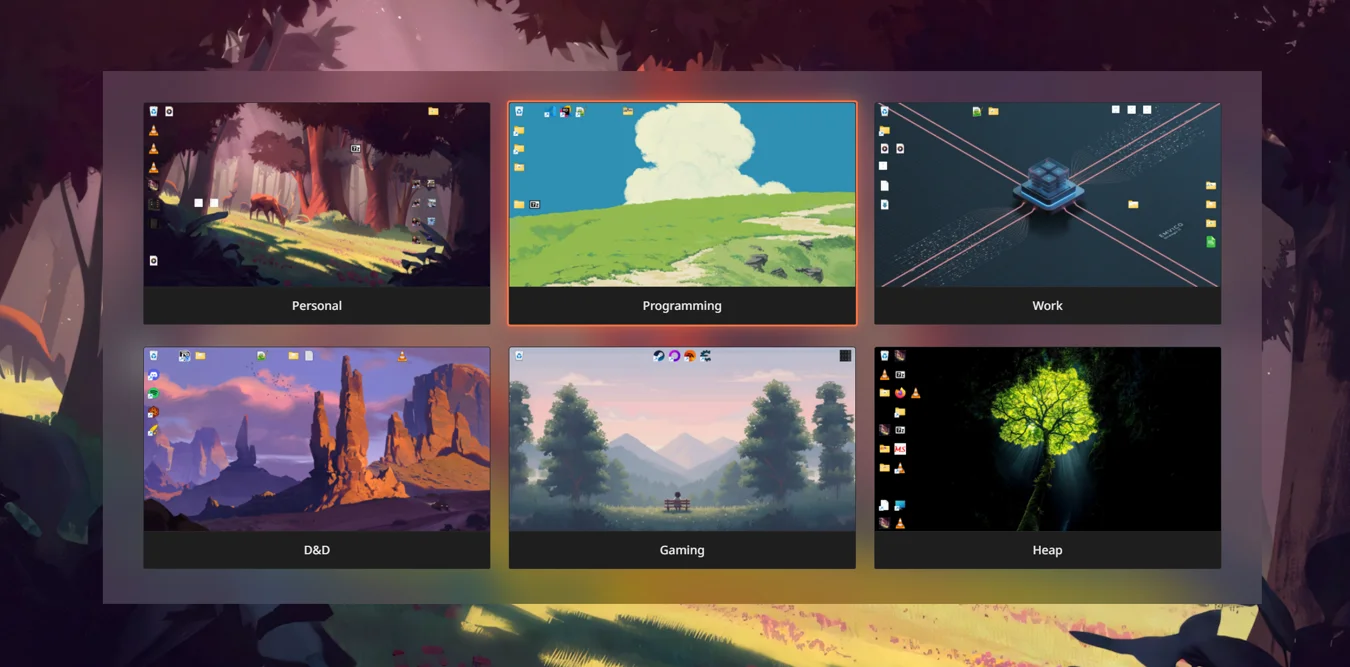
WorkTop gives you multiple real Windows desktops, each with its own files, icons, and layout.
Keyboard switching Free
Hold Alt and tap W to flip through desktops just like Alt+Tab. Or jump straight to your desktop of choice with Alt+1 through Alt+9.
Wallpapers Pro
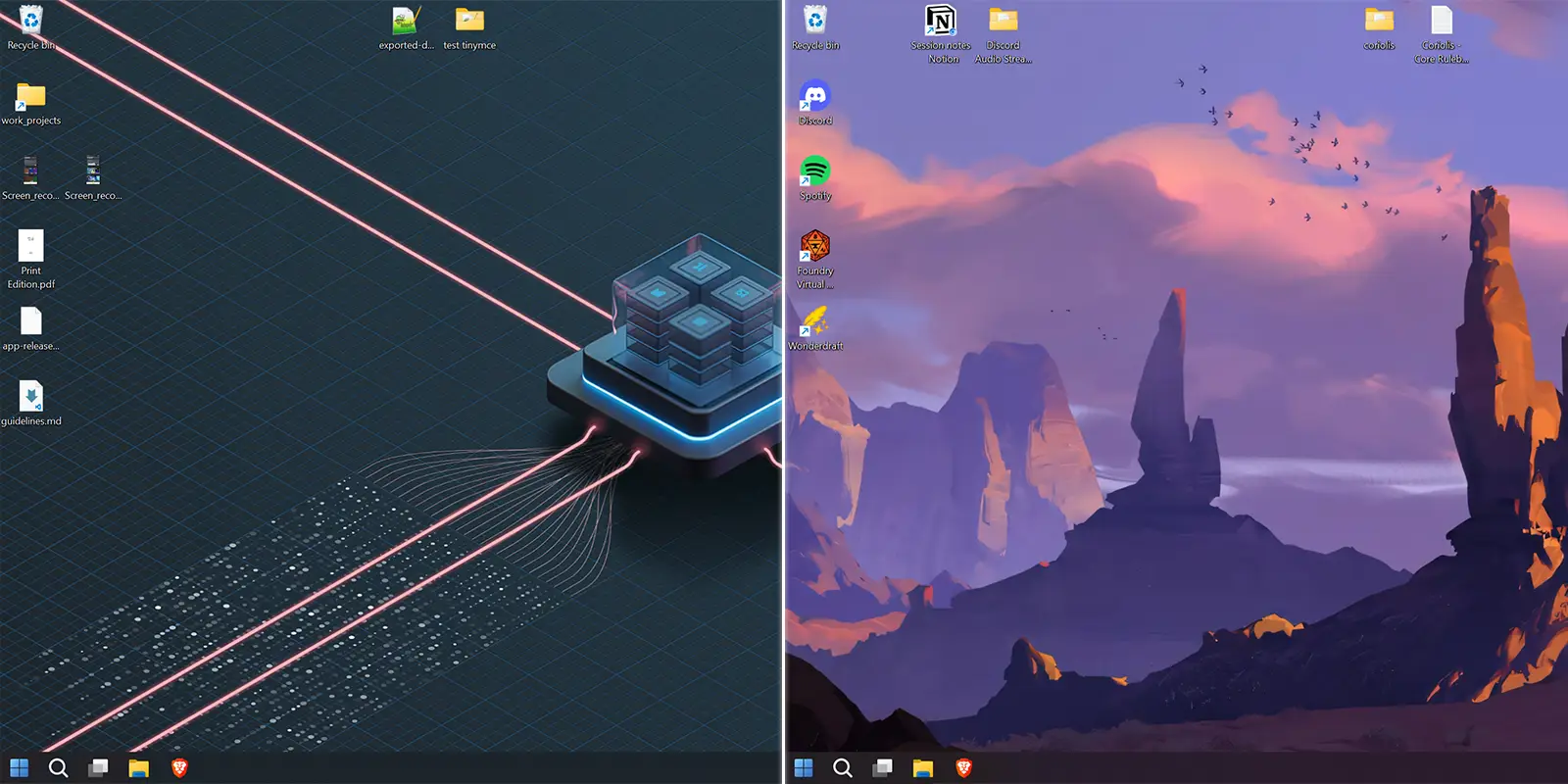
Assign a unique wallpaper to every desktop and monitor. Your wallpaper changes with your workspace.
Virtual desktop linking Free
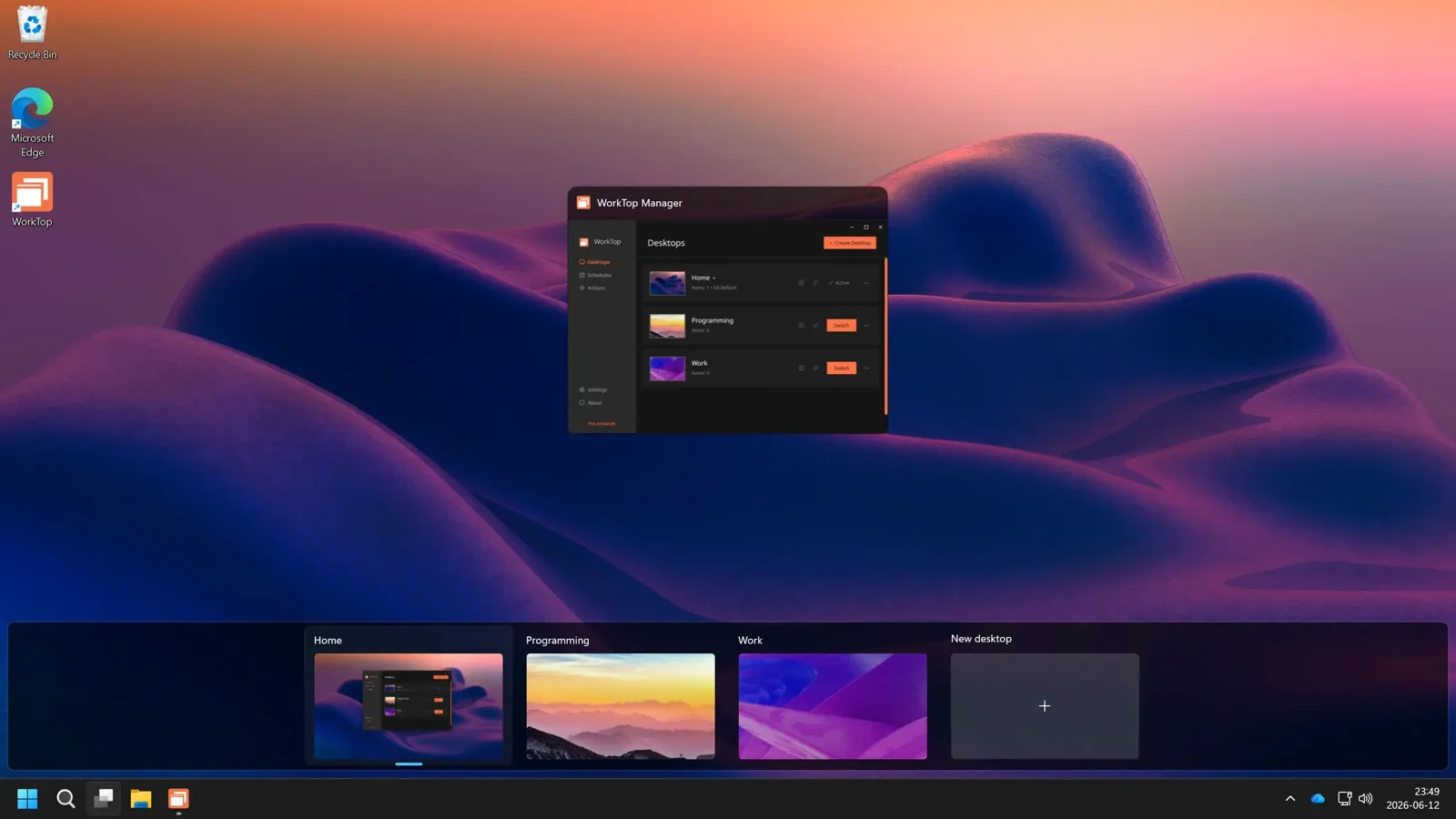
Link WorkTop desktops to Windows virtual desktops, enhancing your virtual desktops with their own files and shortcuts.
Unlimited desktops Pro
The free version provides 3 managed desktops. Upgrade to Pro to create as many as you want.
Actions Free|Pro
Run scripts or launch apps automatically when you switch desktops. Free includes one Action. Create unlimited actions with a Pro license.
Scheduled switching Pro
Automatically switch between workmodes on your own schedule.
Saved layouts Free
Save and restore icon layouts whenever a display change or Windows update messes up your desktop.
Monitor-aware layouts Free
Dock and undock, or rearrange monitors; WorkTop tracks your icons across screens and restores them to where they belong.
Send to Desktop Free
Right-click a file in File Explorer to move it to another desktop without switching over.